
-
·
ScanWay – Changelog
ScanWay is updated to match changing requirements from Shopify’s app APIs, to fix outstanding bugs and to better match our customers’ needs. January 15, 2026 December 15, 2025 November 1, 2025 June 17, 2025 March 29, 2025 March 24, 2025 December 3, 2024 November 22, 2024
-
·
Getting Started
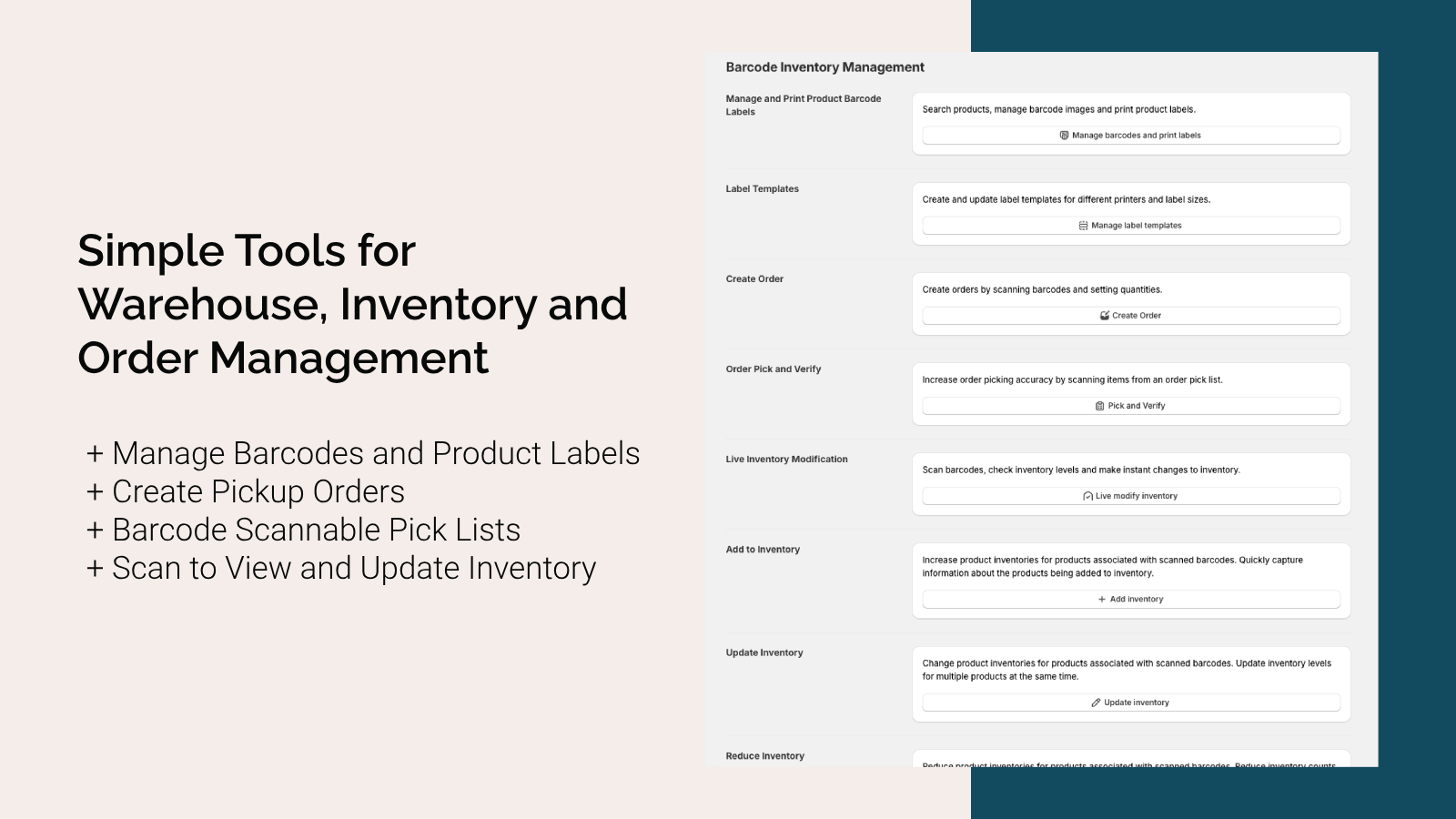
The ScanWay app for Shopify Stores is made up of several related tools. Understanding how each tool functions and what is necessary for each tool to work should help you determine how the app can help you manage your store’s inventory. All of the tools can scan Code 128, UPC, EAN, or ISBN barcodes, to…
-
·
Manage Barcode Label Templates
What are Label Templates? Barcode label templates in ScanWay let you design how your product labels will look — including what product data appears (SKU, name, price), which barcode format to use, and how the layout is structured. These templates are essential for: When working with ScanWay’s barcode label management tools, we can split up…
-
·
View Batch Changes
For any of the batch change tools (add, reduce or update), you’ll be able to see the results of your changes on the Batch Update Results page. To get to this page, click on the View history button from the main page of the ScanWay app. For each change made, you’ll see a couple of…
-
·
Add Inventory in Bulk Using ScanWay for Shopify
Why Use the Add-Inventory Batch Change Tool? The Add Inventory feature in ScanWay is designed to make it easy to increase stock levels across multiple items at once, using barcode scanning. Key benefits include: Scanning Barcodes To begin scanning, select a location that we’re looking to add inventory for, and then click in the Scan…
-
·
Update Inventory in Bulk Using ScanWay for Shopify
Why Use the Update-Inventory Batch Tool? ScanWay’s Update Inventory feature lets you adjust stock levels for many items at once using barcode scanning. It’s more efficient and accurate than manual edits. Key benefits include: Scanning Barcodes The “Update Inventory” tool is a batch modification tool that changes the inventory count of scanned items. To change…
-
·
Bulk Reduce Inventory with ScanWay for Shopify
Why Use the “Remove Inventory” Batch Tool? ScanWay’s Remove Inventory feature lets you decrease stock counts for many items at once using barcode scanning. Instead of manually adjusting each SKU, you can scan, reduce, and document changes in a single, efficient workflow. Key benefits include: Scanning Barcodes The “Remove Inventory” tool is a batch modification…
-
·
Live Inventory Modification
Why Use the Live Inventory Tool? ScanWay’s Live Inventory feature makes it fast and easy to view or adjust inventory levels in real time, using barcode scanning. It’s designed for quick spot updates when you don’t need a full batch change. Key benefits include: Inventory Modification Options You can select which action you’re looking to…
-
·
Create Orders with Shopify
Why Use ScanWay’s Create-Order Tool? Scanning Barcodes To begin scanning, select the pickup location from the locations dropdown. Next, click in the Scan Barcode input area. Any item scanned should result in a scanned item row in the area below. The barcodes being scanned to not need to come from the generated barcodes from the…
-
·
Pick and Verify Orders with Shopify
Why Use the Pick & Verify Tool? ScanWay’s Pick & Verify feature helps you pick and fulfill orders more accurately by confirming each item via barcode scanning. Key benefits: The Pick and Verify tool is an order verification tool to help you pick and ship your store’s orders more accurately. Enter an order number in…